






















Checking-robots-txt is the process of reviewing and testing your website's robots.txt file to make sure search engines like Google can correctly crawl your pages.
It helps you verify that:
- Important pages are accessible to search engines
- Unnecessary or sensitive pages are properly blocked
- There are no errors affecting SEO performance
Checking-robots-txt = Testing your robots.txt file to ensure proper crawling and avoid SEO issues.
Why It Matters
If you don't do proper checking robots-txt, you might:
- Accidentally block your entire website
- Prevent key pages from ranking
- Waste crawl budget on useless pages
- Lose organic traffic
Example:
User-agent: *
Disallow: /admin/
When checking robots-txt, you confirm that only /admin/ is blocked and everything else is crawlable.
In Short: Checking robots.txt ensures your website is visible, crawlable, and optimized for SEO.
Why Checking-Robots-Txt is Crucial for SEO
Regular checking robots-txt helps you:
- Prevent accidental blocking of important pages
- Improve crawl efficiency
- Optimize crawl budget
- Ensure faster indexing
- Avoid ranking drops
Even a single incorrect rule can result in your website being removed from search results.
Step-by-Step Process for Checking Robots.txt
1. Direct URL Check
Visit:
https://yourdomain.com/robots.txt- ✔ Ensure the file exists
- ✔ Verify rules are correct
- ✔ Look for unnecessary disallowed commands
2. Use Google Search Console
Checking robots.txt using Google Search Console:
- Open robots.txt tester
- Test specific URLs
- Identify blocked resources
This is the most accurate way to validate your file.
3. Advanced Checking-Robots-Txt with SEO Tools
Use tools like:
- Ahrefs
- SEMrush
- Screaming Frog
These tools help in:
- Detecting blocked pages
- Identifying crawl issues
- Auditing technical SEO errors
Common Issues Found While Checking Robots.txt
❌ 1. Blocking an Entire Website
User-agent: *
Disallow: /
This is the biggest mistake in checking robots.txt.
2. Blocking Important Sections
Disallow: /services/This can remove key pages from search visibility.
3. Incorrect Wildcard Usage
Disallow: /*.php$Advanced rules can sometimes block unintended URLs.
4. Missing Sitemap Reference
Sitemap: https://yourdomain.com/sitemap.xmlImportant for better crawling and indexing.
5. Blocking JavaScript & CSS Files
This affects how Google renders your site.
Best Practices for Checking Robots.txt
- Keep your robots.txt file simple
- Only block low-value pages
- Always include sitemap
- Test changes before deployment
- Monitor regularly
Advanced Tips for Checking Robots.txt
Use Crawl Budget Optimization
Ensure bots focus only on important pages.
Combine with Meta Robots Tag
Use "noindex" when needed instead of blocking crawling.
Monitor Bot Activity
Track how Googlebot interacts with your website.
Use Staging Environment Carefully
Avoid blocking live site accidentally.
Google's FAQ Rich Results Update Explained
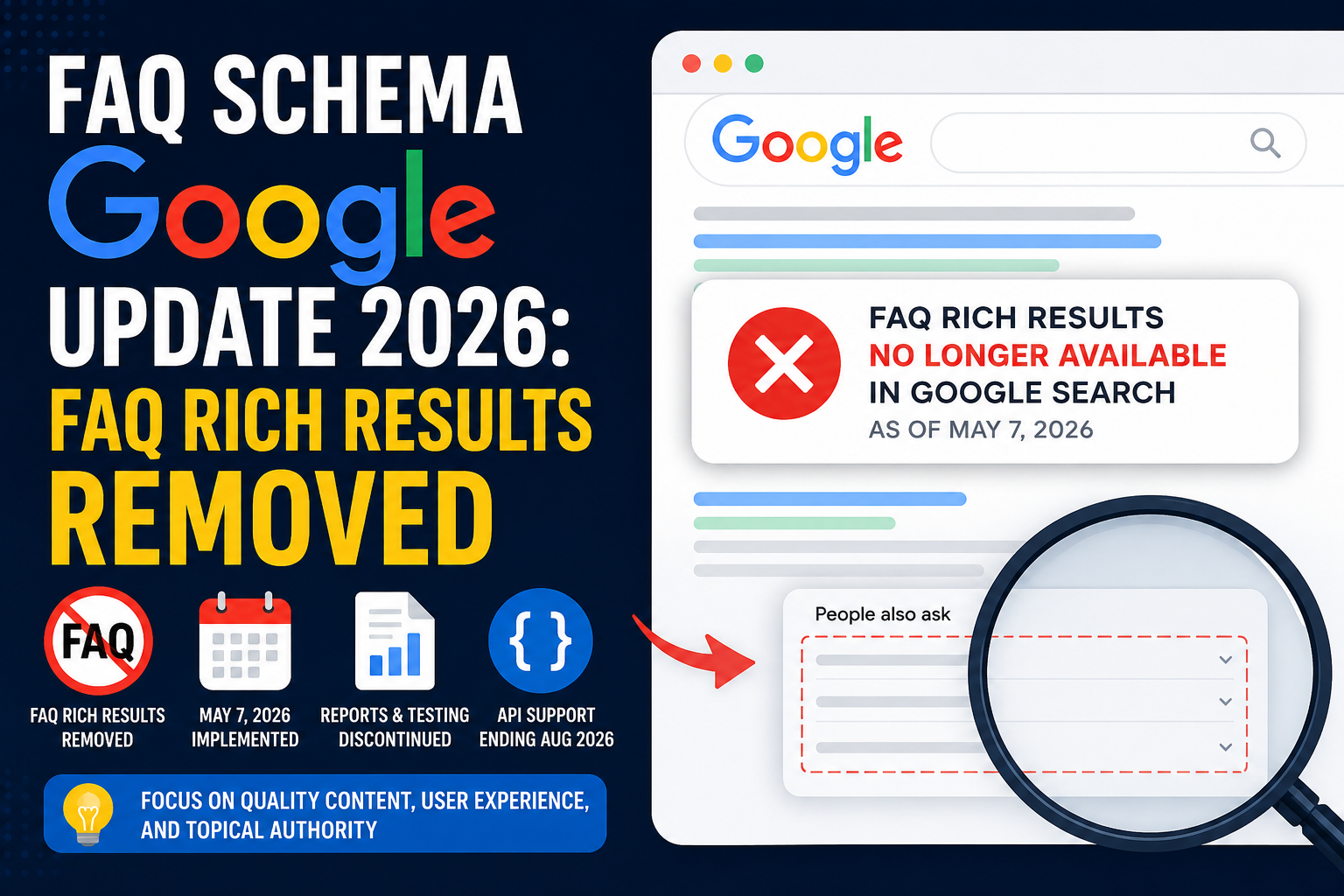
Google has officially confirmed one of the biggest structured data changes in modern SEO. As of May 7, 2026, FAQ rich results are no longer appearing in Google Search, and Google plans to fully remove FAQ reporting and testing support in the coming months.
For years, FAQ schema was a popular SEO tactic used to increase SERP visibility, improve click-through rates, and dominate search results with expandable question boxes. Now, that era is ending.
Official Timeline
| Date | Update |
|---|---|
| May 7, 2026 | FAQ rich results stopped appearing in Google Search |
| June 2026 | FAQ rich result report removed from Search Console |
| June 2026 | FAQ support removed from Rich Results Test |
| August 2026 | FAQ Search Console API support removed |
FAQ Schema Is Not Completely Removed
This is the most important distinction many SEO professionals misunderstand. Google removed FAQ rich snippets, FAQ reporting tools, and FAQ testing support—but Google did not remove FAQPage schema, Question schema, or Answer schema.
The structured data format still exists. This suggests Google may still use FAQ markup for semantic understanding, AI systems, content interpretation, and contextual organization. The visual SERP feature disappeared — not necessarily the underlying data value.
Why Did Google Remove FAQ Rich Results?
- 1. FAQ Snippets Became Overused: At one point, almost every SEO-optimized page included FAQ schema. This created crowded search results, repetitive content, low-quality FAQ spam, and excessive SERP clutter.
- 2. Low-Quality AI-Generated FAQs Increased: Many websites started auto-generating FAQ sections using AI tools, causing keyword stuffing, duplicate questions, and hidden FAQ blocks.
- 3. AI Search Is Replacing Traditional Rich Results: Google Search is evolving toward AI Overviews, conversational answers, and synthesized summaries where AI systems generate answers dynamically.
Most Websites Already Lost FAQ Visibility Earlier
One major detail many marketers missed: Google had already restricted FAQ rich results years before the 2026 announcement to authoritative government and trusted health websites. SaaS sites, affiliate blogs, and eCommerce stores had already seen reduced visibility long before this final removal process.
Should You Still Use FAQ Schema?
Keep FAQ Schema If It Helps Users:
FAQ sections still provide real value when they answer customer concerns, improve UX, reduce support requests, clarify products, or improve content structure.
Remove FAQ Schema If It Exists Only for SEO:
Consider removing FAQ schema when the questions are repetitive, auto-generated, or add no real user value. Without the visual snippets, low-value implementations no longer justify the overhead.
SEO Impact of the FAQ Update
For some websites, the removal may reduce click-through rates and visual dominance in search results. However, rankings themselves are not directly affected—helpful content and topical authority remain critical. This is primarily a visibility change, not a ranking penalty.
What SEO Professionals Should Focus on Now
- Build Topical Authority: Create comprehensive topic ecosystems including pillar pages, supporting blogs, and expert commentary.
- Optimize Content for AI Search: Prioritize concise answers, semantic clarity, natural question handling, and entity-rich information.
- Prioritize User Experience: Create FAQ sections because users need answers, driving higher engagement, dwell time, and trust.
- Continue Using Valuable Schema Types: Focus on schema types that continue to provide value like Article, Product, Breadcrumb, Organization, Review, and LocalBusiness structures.
- Prepare for Search Console API Changes: Audit and update reporting pipelines, tools, and internal dashboards before the August 2026 API removal.
FAQ Schema vs QAPage Schema
Google still differentiates between FAQPage (single authoritative answer) and QAPage (multiple community answers). This remains important for forums, discussion platforms, and support ecosystems where AI search references user-generated discussions.
The Bigger SEO Lesson Behind This Update
The removal of FAQ rich results signals a major evolution in search. For years, SEO focused on maximizing SERP features and visual dominance. Now, Google is prioritizing AI-generated answers, semantic understanding, topical expertise, and trustworthy information.
The smartest strategy moving forward is simple: Focus less on search appearance manipulation and more on becoming the best source of information in your niche.
Checking-Robots.txt vs Indexing Issues
| Factor | Robots.txt | Indexing |
|---|---|---|
| Primary Focus | Crawlability & Bot Access | Search Index Inclusion |
| Control Mechanism | Disallow directives in root file | noindex meta tags / canonicals |
| Google's Action | Refuses to crawl or view page files | Crawls but drops page from SERPs |
| Crawl Budget Saved | Yes — high impact | No — page is still crawled |
Checking robots-txt ensures your pages are crawlable, but indexing depends on other factors.
Checklist for Checking-Robots-Txt
- ✔ File is accessible
- ✔ No accidental disallow rules
- ✔ Sitemap included
- ✔ Important pages allowed
- ✔ Tested in tools
- ✔ No blocked resources
Real SEO Impact of Checking robots.txt
Properly checking robots-txt can:
- Increase indexing rate
- Improve rankings
- Boost organic traffic
- Fix hidden SEO issues
How Marcitors Helps in Robots.txt
Marcitors provides:
- Technical SEO audits
- Robots.txt optimization
- Crawl analysis
- Indexing improvements
Get Free Robots.txt Audit
- ✅ Identify hidden errors
- ✅ Improve crawl efficiency
- ✅ Boost your rankings